
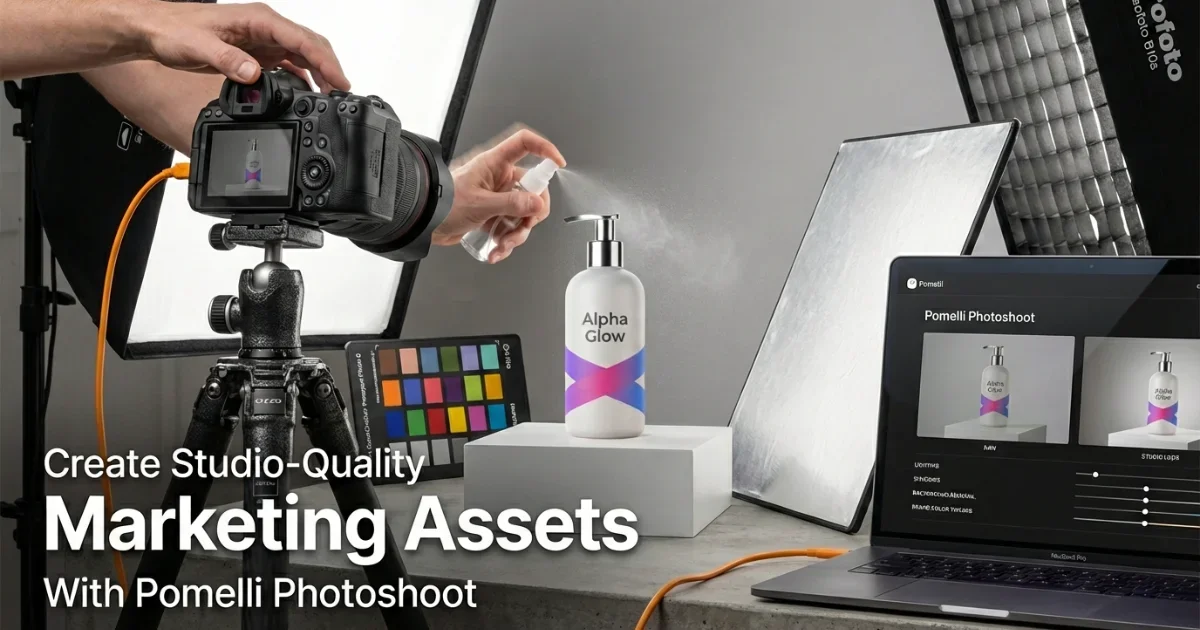
Create Studio-Quality Marketing Assets With Photoshoot in Pomelli: A Complete Guide
Creating professional marketing visuals used to mean booking a photographer, renting a studio, and spending hours — sometimes days — getting the lighting, angles, and styling right. For businesses producing content at scale, that process gets expensive fast. Pomelli's Photoshoot feature offers a different approach: use AI to generate studio-quality marketing assets directly from your product images, without the studio, the photographer, or the wait. It's a proposition that appeals to e-commerce sellers, marketing teams, and brand managers looking for speed and consistency without sacrificing quality. This guide covers how the "Photoshoot feature in Pomelli" works, who it's best suited for, where it excels, and where traditional photography still holds an edge.
What Pomelli Photoshoot Actually Does (AI Product Photography Explained)
At its core, Pomelli Photoshoot is an AI-powered tool that transforms basic product images into polished marketing assets. You upload a product photo — even one taken on a smartphone — and the platform generates professional-looking outputs with controlled backgrounds, realistic lighting, and scene compositions that look like they came from a planned studio session.
The tool handles several types of marketing assets:
Product-on-background images. Clean, consistent product shots with solid, gradient, or contextual backgrounds suited for e-commerce listings, catalogs, and digital ads. This is the most common use case and where Pomelli tends to deliver its most reliable results.
Lifestyle and scene compositions. Product images placed within realistic settings — a coffee mug on a wooden kitchen counter, a skincare bottle on a marble bathroom shelf. These contextual shots help customers visualize products in their own environment, which according to "e-commerce conversion research" tends to improve purchase confidence.
Brand-consistent asset sets. Multiple images generated with consistent styling, color palettes, and visual language. For brands producing content across multiple channels — website, social media, email, paid ads — this consistency matters significantly and is traditionally expensive to maintain across separate photo shoots.
Batch processing. The ability to apply a single visual style across dozens or hundreds of products simultaneously. For sellers with large catalogs, this is where the time and cost savings become most dramatic compared to traditional photography.
The underlying technology uses AI to understand product shape, texture, and material properties, then generates appropriate lighting, shadows, and reflections that make the final image look physically plausible rather than obviously composited.
How the Workflow Operates
Using Pomelli Photoshoot follows a relatively straightforward process, though the quality of your output depends significantly on the quality of your input.
Step 1: Upload your source image. Start with the best product photo you have. A clean, well-lit image with minimal background clutter produces the best results. Pomelli can work with imperfect source images, but cleaner inputs lead to more convincing outputs.
Step 2: Choose your asset type. Select whether you want a clean product-on-background shot, a lifestyle scene, or a specific composition style. The platform provides templates organized by category — "AI-powered product photography" for e-commerce, social media formats, advertising layouts, and more.
Step 3: Customize settings. Adjust background, lighting mood, color palette, and scene elements. This is where creative control comes in — you're directing the AI rather than accepting a single default output.
Step 4: Generate and iterate. The platform generates your asset, and you can refine by adjusting parameters and regenerating. Most users report that reaching a satisfactory result takes two to four iterations for standard product shots, sometimes more for complex lifestyle compositions.
Step 5: Export and deploy. Download your finished assets in formats and resolutions suited to your intended channel — high-resolution for print and web, optimized sizes for social media, and specific aspect ratios for advertising platforms.
Who Benefits Most From This Tool
Pomelli Photoshoot isn't equally valuable for everyone. Based on "user feedback and common deployment patterns," certain audiences get the most from it:
E-Commerce Sellers
Particularly small to mid-size sellers who need consistent, professional product images across large catalogs but can't justify the cost of professional photography for every SKU. A seller listing hundreds of products on platforms like Amazon, Shopify, or Etsy can generate a full set of marketing-ready images in a fraction of the time and cost of traditional methods.
Marketing Teams With High-Volume Content Needs
Teams producing daily or weekly content for social media, email campaigns, and digital advertising benefit from the speed and consistency. Rather than waiting for scheduled photo shoots, they can generate assets on demand — testing different visual approaches rapidly before committing to full campaigns.
Small Businesses and Startups
Companies in early stages that need professional-looking marketing materials but lack the budget for dedicated photography. Pomelli Photoshoot provides a way to present products at a quality level that competes visually with larger, better-funded competitors.
Brand Managers Maintaining Visual Consistency
For brands operating across multiple markets or channels, maintaining visual consistency is a persistent challenge. Pomelli's ability to apply consistent styling across "batch-generated marketing assets" reduces the visual fragmentation that often occurs when different photographers, studios, or agencies handle different portions of a brand's content.
Content Creators and Freelancers
Independent creators who offer marketing services to clients benefit from faster turnaround and lower production costs. The tool lets them deliver professional results without maintaining studio space or photography equipment.
Where Pomelli Photoshoot Excels
Based on the tool's capabilities and how users are applying it, several strengths stand out:
Speed. Generating a marketing-ready product image takes minutes, not hours or days. For time-sensitive campaigns or seasonal product launches, this speed advantage is meaningful.
Cost efficiency. The per-image cost through Pomelli is substantially lower than professional photography — especially at volume. For businesses producing hundreds of product images annually, the savings can be significant.
Consistency. Every image generated through the same settings maintains identical visual treatment. This uniformity is difficult and expensive to achieve with traditional photography, where lighting conditions, photographer styles, and studio setups vary between sessions.
Scalability. The tool handles ten images or ten thousand with the same workflow. Scaling traditional photography requires proportionally more time, staff, and studio bookings. Scaling with Pomelli requires primarily more processing time.
Iteration speed. Testing different visual approaches — background colors, scene settings, lighting moods — takes minutes per variation. Traditional photography requires physical restaging for each change.
Where Traditional Photography Still Wins
Honest assessment requires acknowledging where Pomelli Photoshoot has limitations:
Complex physical products. Items with intricate textures, transparency, reflective surfaces, or unusual shapes can challenge AI generation. A crystal vase with light refraction, for example, may not render with the same accuracy as a physically photographed version. Results vary by product type, and testing with your specific products before committing fully is advisable.
Luxury and premium branding. High-end brands where every visual element communicates craftsmanship and exclusivity may find that AI-generated imagery, while technically good, lacks the subtle artistry that a skilled photographer brings. The difference can be marginal — but in luxury marketing, marginal differences matter.
Custom creative direction. When a campaign requires a very specific, unusual creative vision — unconventional angles, experimental compositions, storytelling through physical staging — human photographers offer creative flexibility that "current AI photography tools" generally can't match.
Physical product interaction. Images showing hands holding products, models wearing clothing, or products being used in real scenarios typically still require actual photography. AI-generated human elements remain an area of active improvement across the industry but aren't consistently reliable enough for premium marketing use.
Regulatory requirements. Certain industries — food, pharmaceuticals, regulated consumer goods — may have specific requirements around product image accuracy and disclosure of AI-generated content. Businesses in these sectors should verify compliance requirements before replacing traditional photography entirely.
Practical Tips for Better Results
A few guidelines that improve output quality:
Invest in good source images. The single biggest factor in output quality is input quality. A sharp, well-lit product photo — even from a smartphone with good natural lighting — produces dramatically better results than a dark, blurry, or cluttered source image.
Use templates as starting points, not endpoints. Pomelli's templates provide useful baselines, but customizing settings for your specific brand style and product type yields more distinctive results.
Generate multiple variations. Don't settle for the first output. Generate three to five variations and select the strongest. The iteration process is fast enough that exploring options costs very little additional time.
Maintain a brand style guide within the tool. If Pomelli offers saved settings or style presets, use them. Consistency across your catalog comes from systematic settings, not individual manual adjustments per image.
Test with your actual products first. Before committing to Pomelli for your entire catalog, test with a representative sample of your products — including your most visually challenging items. This gives you an honest picture of where the tool works well for your specific needs and where supplementary photography might still be necessary.
How It Compares to Alternatives
Pomelli Photoshoot exists within a growing market of "AI marketing asset creation tools." Without making unverified performance claims, here's how the landscape generally breaks down:
Versus traditional product photography: Pomelli wins on speed, cost, and scalability. Traditional photography wins on creative flexibility, physical accuracy for complex products, and premium brand positioning.
Versus other AI product photo tools: Several competitors offer similar capabilities. Pomelli's differentiators, based on publicly available information, appear to center on its batch processing capabilities, brand consistency features, and integration with broader marketing workflows. However, the AI product photography space is evolving rapidly, and relative positioning shifts frequently.
Versus in-house design teams: Pomelli can complement design teams by handling high-volume, standardized asset creation — freeing designers for higher-value creative work. It's generally more effective as a team augmentation tool than a complete replacement.
Key Takeaways
Pomelli Photoshoot addresses a real and growing need: creating professional marketing visuals at a speed and cost that traditional photography can't match at scale. For e-commerce sellers, marketing teams with high content demands, and businesses building visual brand presence on limited budgets, it's a tool worth evaluating seriously.
It works best for standard product photography, consistent brand asset generation, and high-volume catalog imagery. It works less well for complex physical products, luxury branding requiring artisanal quality, and campaigns demanding highly custom creative direction.
The most practical approach is to test it with your specific products and use cases before making a full commitment — and to think of it as a powerful addition to your marketing toolkit rather than a universal replacement for all photography needs.